
React useRef: When It's a Valid Escape Hatch and When It's a Bad Smell
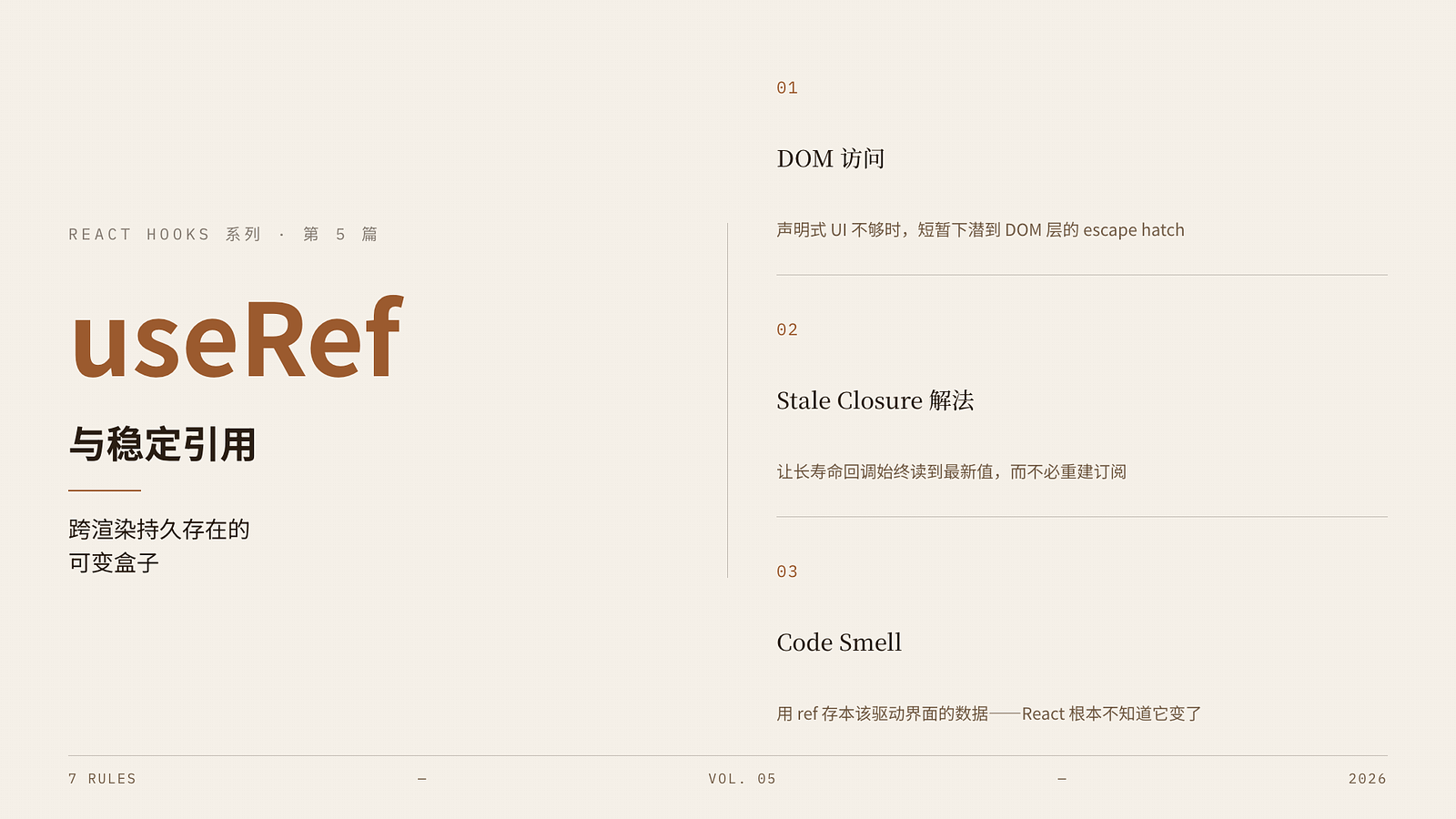
The previous articles have made a few things clear:
useEffectshould not handle pure computations inside a component.The closure problem is essentially about render snapshots and function references.
Many so-called "state management" is actually just writing computations incorrectly as state.
At this point, you often run into a new issue:
I don't want to put some things into state because it shouldn't trigger re-renders; but I do want them to persist across renders. So where should they go?
The answer is:useRef.
But precisely because it doesn't trigger re-renders, it's like a convenient side weapon: used correctly, it solves tricky problems like closures, subscriptions, and DOM control; used incorrectly, the component's data flow starts to diverge sneakily.
1. First, clarify the essence of useRef
React's official definition of useRef is straightforward:
It can hold a value across multiple renders.
Modifying it does not trigger a component re-render.
That is, useRef is more like a "mutable box that persists across renders":
const ref = useRef(initialValue);

// ref.current is readable and writable
ref.current = nextValue;
The difference from ordinary variables:
Ordinary variables are re-executed and re-declared on each render.
ref retains the same object throughout the component's lifecycle.
The difference from state:
When state changes, React re-renders.
When ref changes, React doesn't know and doesn't update the UI.
So to sum it up:
useRefis suitable for storing values that "need to be remembered but don't affect the current UI."
This point is crucial, and almost all subsequent judgments can be derived from it.
2. The two most typical uses of useRef
1. Accessing the DOM
This is the most familiar one:
function Input() {
  const inputRef = useRef<HTMLInputElement | null>(null);

  function focusInput() {
    inputRef.current?.focus();
  }

  return (
    <>
      <input ref={inputRef} />
      <button onClick={focusInput}>Focus</button>
    </>
  );
}
This scenario is very standard because you need a "handle pointing to the real DOM node" to perform imperative operations like:
Focusing.
Scrolling to a position.
Reading dimensions.
Interfacing with third-party DOM libraries.
Here, ref is an escape hatch explicitly provided by React:
When declarative UI is insufficient to express certain behaviors, you can briefly descend to the DOM layer.
2. Storing persistent values that don't trigger renders
This is the usage that is more easily underestimated in real projects.
For example:
The previous value.
Timer ID.
Current subscription instance.
The latest parameter only used by effects/callbacks.
Example:
const timerRef = useRef<number | null>(null);

useEffect(() => {
  timerRef.current = window.setInterval(() => {
    console.log('tick');
  }, 1000);

  return () => {
    if (timerRef.current !== null) {
      clearInterval(timerRef.current);
    }
  };
}, []);
If you put timerId in state here, it would be wrong because:
It does not participate in UI rendering.
It is only an internal control handle.
Changing it doesn't need to trigger a UI refresh.
These scenarios where "the value needs to be retained but should not drive the UI" are where useRef truly shines on a large scale.
3. Why can useRef solve stale closure problems?
The previous article on closures mentioned that the root cause of many stale value problems is:
Timers / listeners / async callbacks are registered in an old render.
They capture variables from that old render.
And useRef is often used to solve this because:
Effects or callbacks can always hold the same ref object;
And the ref's
.currentcan be updated to the latest value after each render.
For example:
function SearchBox() {
  const [query, setQuery] = useState('');
  const queryRef = useRef(query);

  useEffect(() => {
    queryRef.current = query;
  }, [query]);

  useEffect(() => {
    const id = setInterval(() => {
      console.log(queryRef.current);
    }, 3000);

    return () => clearInterval(id);
  }, []);

  return (
    <input
      value={query}
      onChange={e => setQuery(e.target.value)}
    />
  );
}
Here, the timer is set up only once, but each time it reads the latest query.
The reason is not that React "hot-updates the closure" for you, but that the closure captures the never-changing queryRef object, and you're always modifying its current property.
So in such scenarios, the role of useRef is:
Instead of rebuilding the external subscription, let the subscription read a continuously updated "latest value container."
This is important because it determines when ref should come into play.
4. When should you use ref instead of state?
This is the most practical question of the entire article; the criterion can be simple.
When to use state
If the value affects the rendering result, use state.
For example:
Whether a modal is open.
Currently selected item.
Loading state.
Form input value.
Because when these change, the UI should update accordingly.
When to use ref
If the value is only memorized internally by the component and does not directly affect the UI, prefer ref.
For example:
Previous props value.
Timer ID.
A third-party instance.
Whether already submitted.
Scroll position cache.
The latest value for async callbacks to read.
A very memorable phrase: > If you want React to redraw the UI, use state; > If you just want the component to remember something for itself, use ref.
5. An example that is easy to get right but also easy to get wrong: the previous value
Many tutorials like to use usePrevious as an example of useRef because it is indeed very typical:
function usePrevious<T>(value: T) {
  const ref = useRef<T | undefined>(undefined);

  useEffect(() => {
    ref.current = value;
  }, [value]);

  return ref.current;
}
Then you use it like this:
const prevCount = usePrevious(count);This code works because:
"The previous value" itself does not directly participate in the current UI update mechanism;
It is just auxiliary information.
If, in order to get the "previous value," you create an additional state:
const [prevCount, setPrevCount] = useState(count);

useEffect(() => {
  setPrevCount(count);
}, [count]);
Then you're back to the old problem of "synchronizing state with effects."
So here, ref is very suitable; it provides "memory ability," not "render-driving ability."
6. When is useRef a code smell?
At this point, it's easy to go to another extreme: Since ref doesn't trigger re-renders and can hold the latest value, can many state variables be replaced with ref?
Absolutely not.
The following situations usually indicate you are overusing ref.
1. Using ref to store data that should drive the UI
For example:
const openRef = useRef(false);

function handleOpen() {
  openRef.current = true;
}
And then you expect the UI to show a modal accordingly.
This is wrong because React doesn't know openRef.current changed, so the page won't update.
If you expect the UI to immediately reflect a change after the value updates, it should be state, not ref.
2. Reading or writing ref during render, sneaking past React's data flow
React has specifically warned:
Do not read or write
ref.currentduring rendering, except in very few predictable scenarios like initialization.
For example, this is dangerous:
function Component() {
  const countRef = useRef(0);
  countRef.current += 1;

  return <div>{countRef.current}</div>;
}
The problem with this code:
Rendering is supposed to be pure;
You are secretly mutating an external mutable value during render;
This makes the component's behavior unpredictable, especially dangerous under strict mode and future features.
So ref can be mutated, but don't treat it as a "mutable global variable during the render phase."
3. Using ref to avoid dependency arrays instead of solving the problem
This is a common "advanced code smell" in teams.
For example, an effect should normally depend on userId, but someone writes like this to avoid re-running:
const userIdRef = useRef(userId);

useEffect(() => {
  userIdRef.current = userId;
}, [userId]);

useEffect(() => {
  fetchUser(userIdRef.current);
}, []);
This code might "work," but it often subtly changes semantics:
The effect should re-run when
userIdchanges.Now you've changed it to "run only once, but read the latest value."
These two are not the same.
So an important principle is:
ref should be used to express "I don't want to rebuild this external subscription, but I want it to read the latest value"; not as an escape from the fact that "this effect should update along with its dependencies."
7. A complete refactoring example: how to write debounced search
This scenario is perfect for linking useRef, closures, and stable references.
First, let's see a common bad code:
function SearchInput({ onSearch }: { onSearch: (q: string) => void }) {
  const [query, setQuery] = useState('');

  useEffect(() => {
    const id = setTimeout(() => {
      onSearch(query);
    }, 500);

    return () => clearTimeout(id);
  }, [query, onSearch]);

  return (
    <input
      value={query}
      onChange={e => setQuery(e.target.value)}
    />
  );
}
This code isn't exactly wrong. It expresses: every time query changes, restart a 500ms timer. If your intention is to "rebuild the debounce timer with query changes," it is reasonable.
But if you want to extract the "debounce function" as a stable utility, it's easy to write a version with stale closure:
function useDebouncedCallback(fn: (...args: any[]) => void, delay: number) {
  const timerRef = useRef<number | null>(null);

  return useCallback((...args: any[]) => {
    if (timerRef.current !== null) {
      clearTimeout(timerRef.current);
    }

    timerRef.current = window.setTimeout(() => {
      fn(...args);
    }, delay);
  }, [delay]);
}
The pitfall here is:
The callback is cached;
But the closure's
fnmight be stale;If the externally passed function changes, this one may not get the latest version.
A safer approach is to put the latest fn in a ref:
function useDebouncedCallback<T extends (...args: any[]) => void>(
  fn: T,
  delay: number
) {
  const fnRef = useRef(fn);
  const timerRef = useRef<number | null>(null);

  useEffect(() => {
    fnRef.current = fn;
  }, [fn]);

  return useCallback((...args: Parameters<T>) => {
    if (timerRef.current !== null) {
      clearTimeout(timerRef.current);
    }

    timerRef.current = window.setTimeout(() => {
      fnRef.current(...args);
    }, delay);
  }, [delay]);
}
The structure here is clear:
timerRefholds the timer handle.fnRefholds the latest callback.The returned function is only updated when
delaychanges.
This is a very typical high-level use of useRef:
Keeping utility functions stable while still being able to access the latest business logic.
8. The relationship between useRef and useCallback: how do they cooperate?
The previous article already discussed that useCallback solves function reference stability, not the latest value problem.
And useRef solves persisting a mutable value across renders.
So they often appear together, but with different roles:
useCallback: decides "whether to replace this function object."useRef: decides "where to put the latest value that the function needs to read."
A typical pattern is:
const latestHandlerRef = useRef(onChange);

useEffect(() => {
  latestHandlerRef.current = onChange;
}, [onChange]);

const stableHandler = useCallback((value: string) => {
  latestHandlerRef.current(value);
}, []);
Here:
stableHandler's reference is stable;But the logic it executes is always the latest
onChange.
This pattern is especially common when encapsulating hooks or bridging third-party event systems.
But one thing to emphasize:
If you're just writing normal business components, don't rush into this pattern. Often, honestly writing the dependency array makes the code simpler.
The ref + callback combination is suitable for "tooling scenarios," "subscription scenarios," and "scenarios where you don't want to rebuild," not for everything.
9. 7 rules you can take away from this article
useRefis a mutable box that persists across renders; mutating it does not trigger a re-render.It is suitable for storing values that "don't affect the UI but need to be remembered," such as DOM nodes, timer IDs, third-party instances, and latest callbacks.
If a value's change should immediately reflect on the UI, it should be state, not ref.
In stale closure scenarios, ref is often used to let "long-lived callbacks" read the latest value without frequently rebuilding subscriptions.
Do not arbitrarily read or write
ref.currentduring render; this breaks the purity of rendering.Do not use ref to avoid effect dependencies that should legitimately exist.
useRefanduseCallbackoften pair together, but one solves "value persistence" and the other solves "function reference stability"; don't confuse them.