

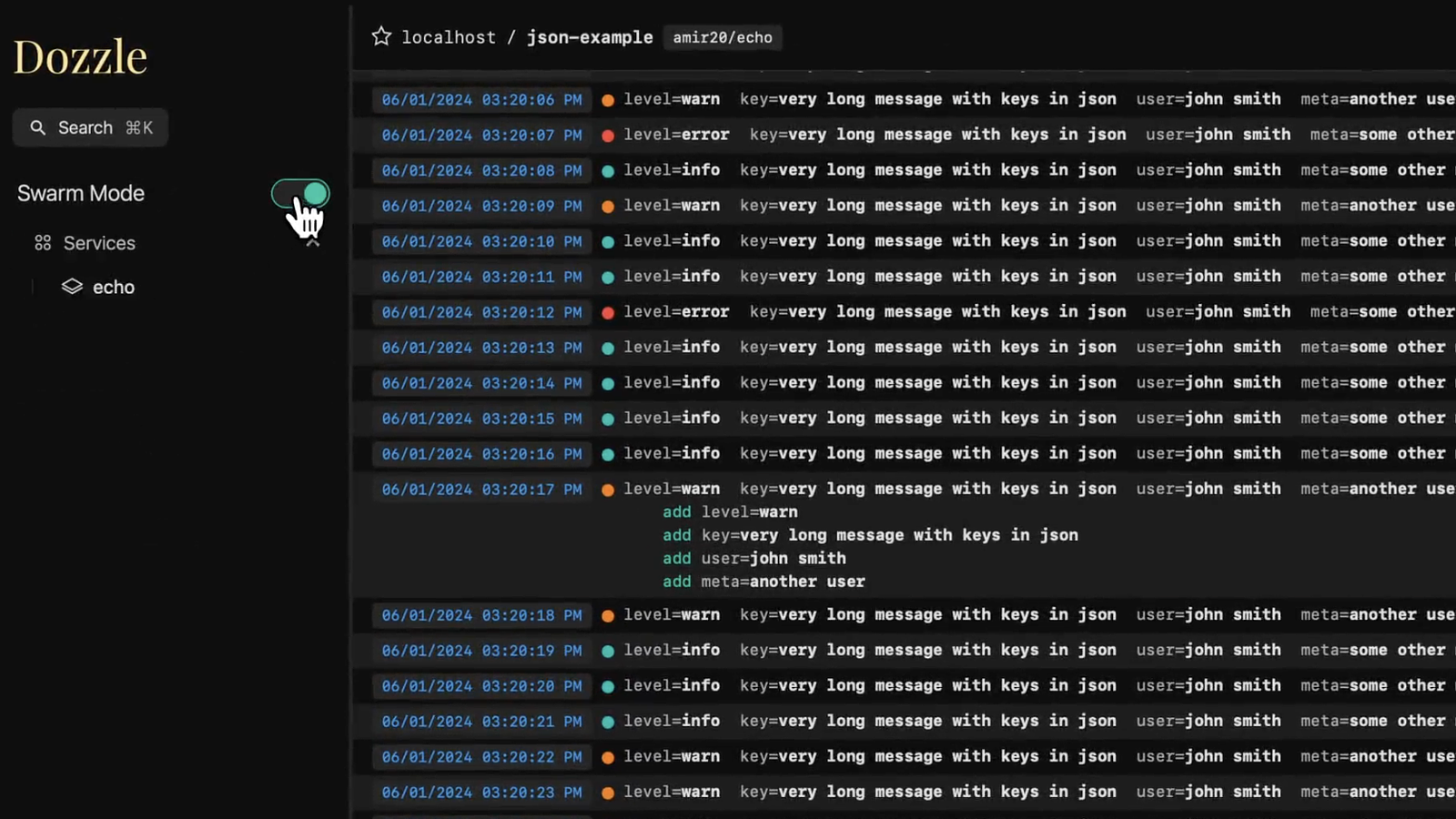
Dozzle is a lightweight, web-based application for monitoring Docker logs in real time. It doesn't store any log files—it's designed purely for live log viewing.
Note
If you like Dozzle, check out
dtop, a top-like application for monitoring Docker containers. It integrates with Dozzle to link directly to container logs.
Features
Intelligent fuzzy search for container names
Search logs using regex
Search logs using SQL queries
Small memory footprint
Split screen for viewing multiple logs
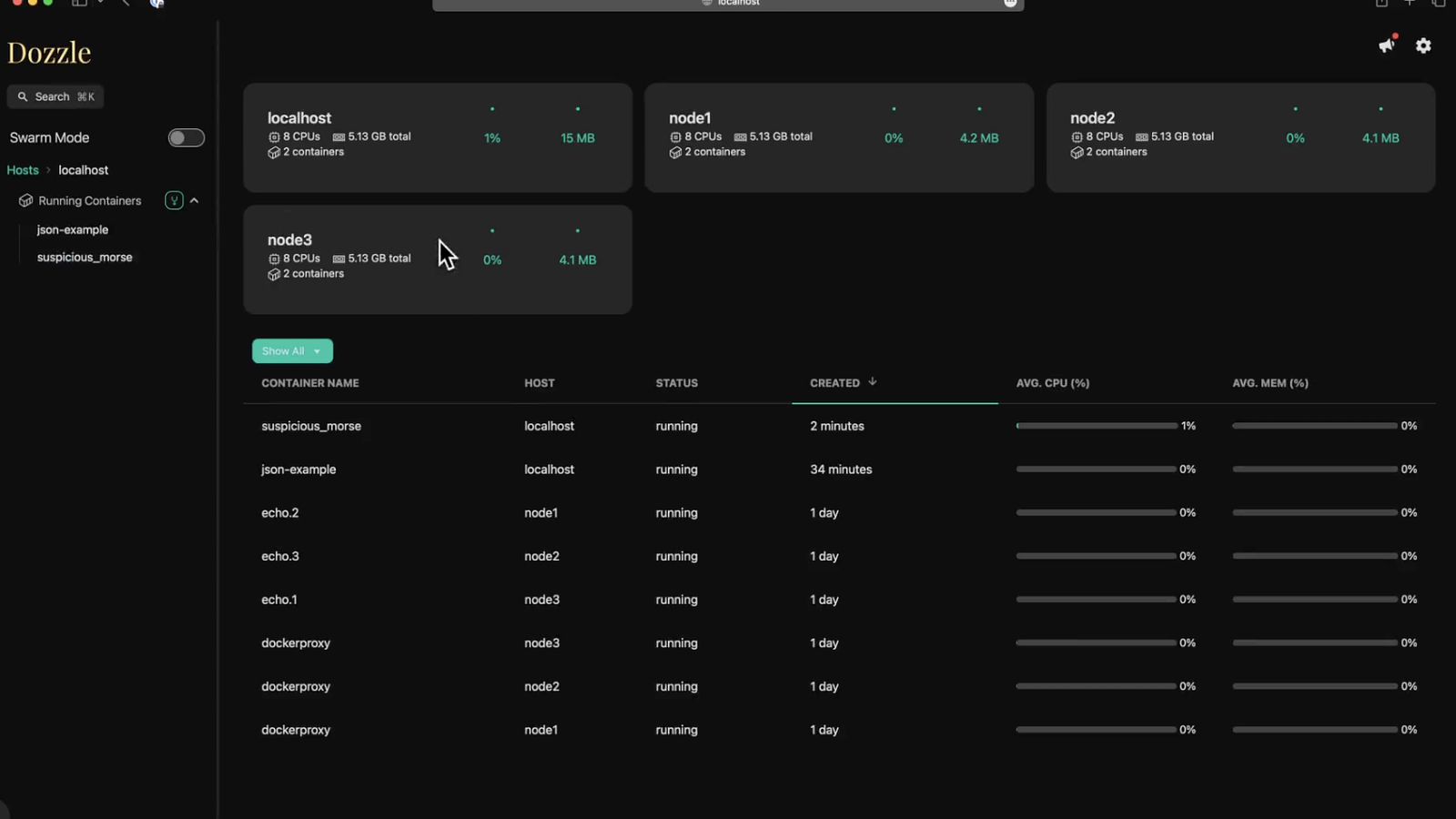
Live stats with memory and CPU usage
Multi-user authentication with support for forward proxy authorization
Swarm mode support
Agent mode for monitoring multiple Docker hosts
Dark mode
Dozzle has been tested with hundreds of containers. However, it doesn't support offline searching. Products like Loggly, Papertrail, or Kibana are better suited for full search capabilities.
Getting Started
Dozzle is a small container (7 MB compressed). Pull the latest release with:
$ docker pull amir20/dozzle:latest
Running Dozzle
The simplest way to use Dozzle is to run the Docker container. Mount the Docker Unix socket with --volume to /var/run/docker.sock:
$ docker run --name dozzle -d --volume=/var/run/docker.sock:/var/run/docker.sock -v dozzle_data:/data -p 8080:8080 amir20/dozzle:latest
Dozzle will be available at http://localhost:8080/.
Here is a Docker Compose example:
services:
  dozzle:
    container_name: dozzle
    image: amir20/dozzle:latest
    volumes:
      - /var/run/docker.sock:/var/run/docker.sock
      - dozzle_data:/data
    ports:
      - 8080:8080
volumes:
  dozzle_data:
For advanced options like authentication, remote hosts, or common questions, see the documentation at dozzle.dev.
License: MIT