

Clean your Mac
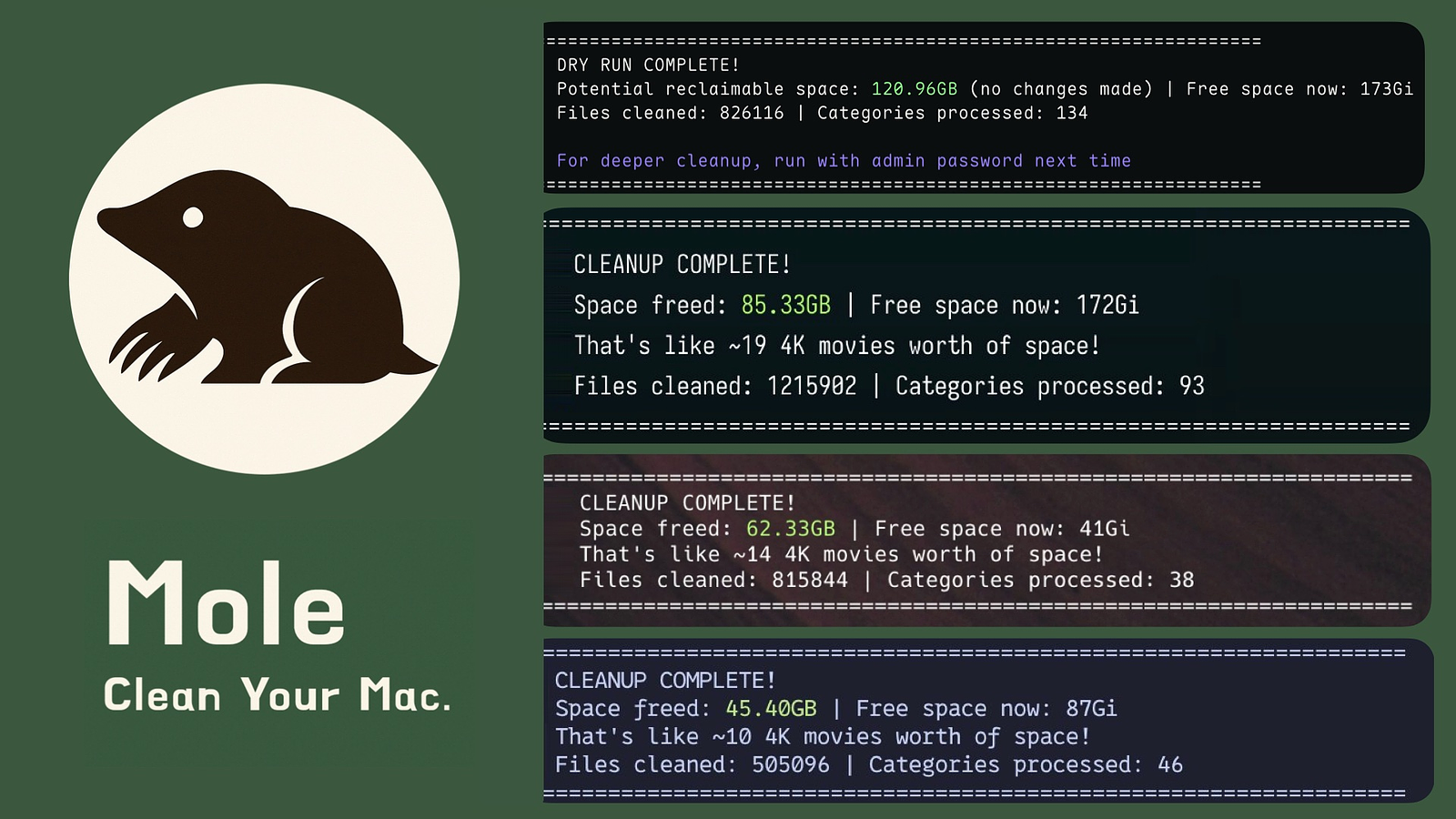
💡 The CLI is free and open source. Prefer a native Mac app? Mole for Mac adds visual cleanup review, app updates, uninstall, maintenance, disk maps, live status, and a menu bar HUD. One license covers 2 Macs, with lifetime updates and a 14-day refund.
Features
All-in-one toolkit: Combines CleanMyMac, AppCleaner, DaisyDisk, and iStat Menus in a single binary
Deep cleaning: Removes caches, logs, leftovers, and orphaned app data to reclaim gigabytes of space
Smart uninstaller: Removes apps plus launch agents, preferences, and hidden remnants
Disk insights: Visualizes usage, finds large files, rebuilds caches, and refreshes system services
Live monitoring: Shows real-time CPU, GPU, memory, disk, and network stats
Quick Start
Install via Homebrew
brew install moleHomebrew follows Homebrew's supported macOS tiers. Use macOS 14 or later for the Homebrew path; older macOS versions should use the script installer below on a best-effort basis.
Run
mo                           # Interactive menu
mo clean                     # Deep cleanup + already-uninstalled app leftovers
mo uninstall                 # Remove installed apps + their leftovers
mo optimize                  # Refresh caches & services
mo analyze                   # Visual disk explorer (or 'mo analyse')
mo status                    # Live system health dashboard
mo purge                     # Clean project build artifacts
mo installer                 # Find and remove installer files

mo touchid                   # Configure Touch ID for sudo
mo completion                # Set up shell tab completion
mo update                    # Update Mole
mo update --nightly          # Update to latest unreleased main build, script install only
mo remove                    # Remove Mole from system
mo --help                    # Show help
mo --version                 # Show installed version
Preview safely
mo clean --dry-run
mo uninstall --dry-run
mo history
mo history --json
mo purge --dry-run

# Also works with: optimize, installer, remove, completion, touchid enable
mo clean --dry-run --debug   # Preview + detailed logs
mo optimize --whitelist      # Manage protected optimization rules
mo clean --whitelist         # Manage protected caches
mo purge --paths             # Configure project scan directories
mo analyze /Volumes          # Analyze external drives only